
Planning methods
Google Maps + Sheets + Splitwise vs One Trip Planner: Which Setup Works?
Google Maps for pins and directions, a shared sheet for dates and reservations, and Splitwise for money can be a practical travel setup. Each tool holds different information. The extra work is keeping the day plan and saved places aligned when the trip changes.
By the Huvver team · Reviewed October 20, 2026
The short answer
Keep the three-app setup when your group maintains it well or needs its specialist features. Consider one planner when changes to days, overnight bases, and stops repeatedly require updates and explanations elsewhere. You may still want a separate navigation app.
What the three apps do well
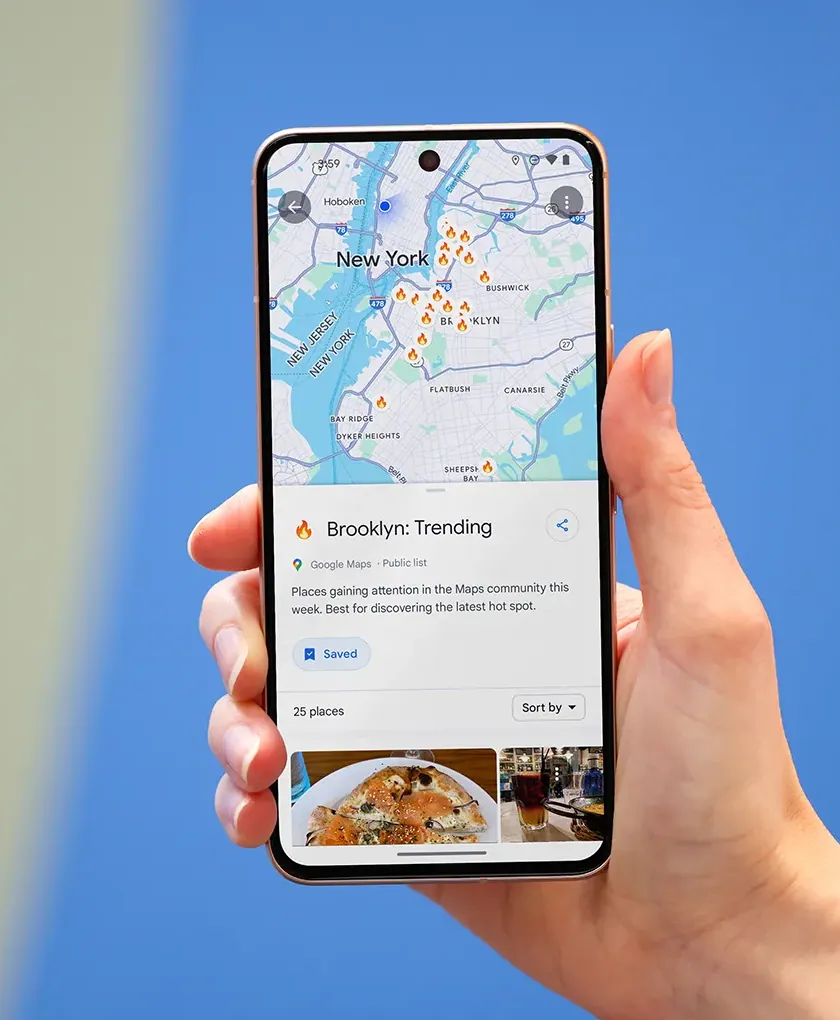
Google Maps supports shared place lists. Google Sheets gives collaborators an editable grid and comments. Splitwise supports equal and unequal expense allocations, including shares useful for couples and families. A group can use the sheet as the agreed itinerary, Maps for locations, and Splitwise for spending.[1][2][3]
It is also modular. If a group needs a complicated currency or itemized-expense workflow, Splitwise may be the right dedicated ledger. If the itinerary has unusual fields, a sheet can model them quickly. Google Maps remains a natural place to navigate during the trip even when another app holds the itinerary.
Where the handoffs cost time
A saved map list says where a place is; the sheet says when the group plans to visit; Splitwise says what it cost. When a stop moves from Tuesday to Thursday, someone must update the sheet, re-evaluate travel order, and tell everyone which map pins still matter. Nobody owns the mismatch unless the group appoints a careful editor.
The friction grows on transfer days. A hotel change shifts the morning starting point and evening ending point. A pin list may still look plausible while the sheet quietly requires a long return journey. The problem is less the number of apps than the lack of a single ordered route that everyone recognizes.
What one planner changes—and what it does not
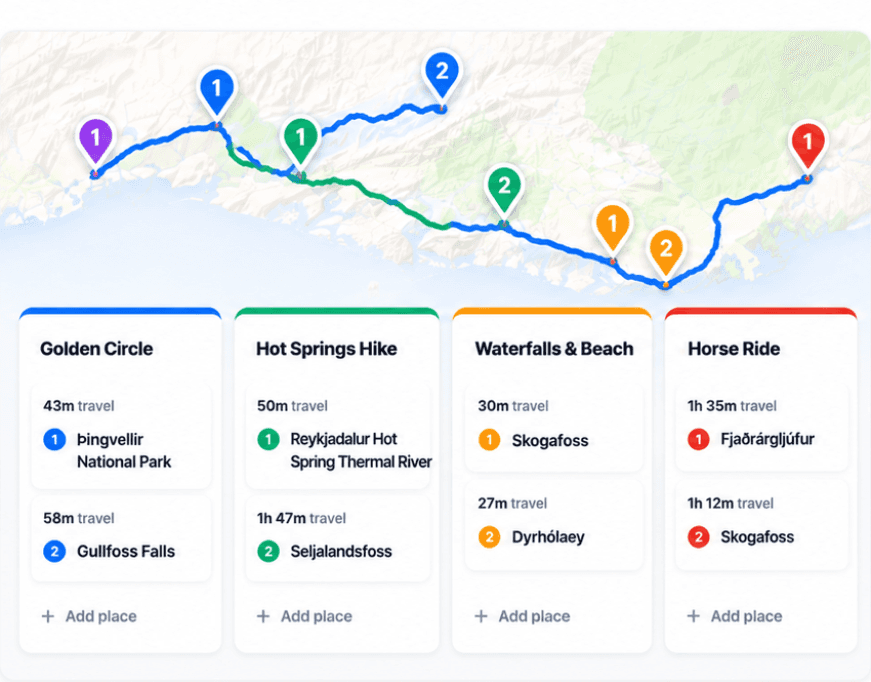
Huvver keeps the ordered days, mapped travel legs, overnight stays, collaborator roles, and actual-cost ledger together. It can reduce reconciliation work for a group designing a multi-city route. It does not replace Google Maps’ broad place research or navigation, and it does not offer every specialized bill-splitting control of Splitwise. The owner pays for an annual plan; invited collaborators join free.[4][5][6][7]
Try one realistic day in both setups. Have a companion move two stops, change the overnight base, and enter a shared meal. Count how many edits and messages it takes before every person sees the same plan. If the existing three-app arrangement stays clear, there is no reason to migrate for its own sake.
Explore a real trip
See day-by-day routes with maps, notes, and editable Huvver templates.
Sources and review notes
Outside product details are linked to first-party pages. Advice and recommendations are Huvver’s editorial judgment; this article does not imply hands-on testing unless it says so.