
Planning methods
How to Check an AI Travel Itinerary: Five Route Tests Before You Book
An AI itinerary can sound convincing while hiding a long transfer, a nonexistent same-day connection, or access rules that change by season. The useful question is not whether the prose is plausible. It is whether each day works on a real map and calendar.
By the Huvver team · Reviewed October 20, 2026
The short answer
Check every AI draft against five things: actual train service, road conditions, transfer-day buffers, limited-access attractions, and the relationship between overnight bases and the next day. The five scenarios below are audit examples, not results of a controlled test of any AI product.
1. Can the train leg happen on your date?
A Tokyo–Kyoto plan may say “take a morning Shinkansen” and then schedule several activities. Check the operator’s timetable for the train, station, direction, and travel date. Then add the time to leave lodging, reach the platform, and travel onward from arrival station. JR Central publishes the Tokaido Shinkansen timetable; a generic route estimate is not a reserved seat or a guarantee that a particular service stops where you need.[1]
2. Is the road open and safe today?
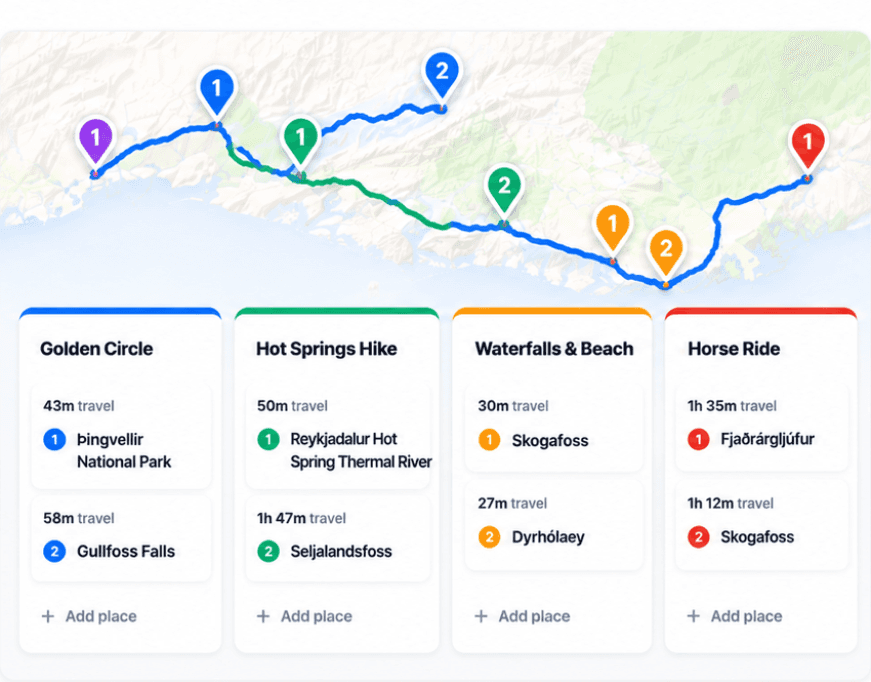
An Iceland draft might treat a scenic drive as a fixed block of hours. Check the official road-notification service close to travel, especially when weather or seasonal access matters. A map gives a route; it cannot decide whether a changing road condition makes your planned stop prudent. Keep a shorter alternative day when the route is exposed.[2]
3. Did the transfer consume the afternoon?
For a Rome–Florence day, a draft might count only the train time and leave the afternoon crowded. Look up the actual departure and arrival stations and add checkout, station transfer, luggage, and check-in. Trenitalia publishes service and timetable information. The realistic unit is door to door, not platform to platform.[3]
4. Does the attraction require a specific access plan?
A Banff day that simply says “drive to Moraine Lake” fails an important access test: Parks Canada says personal vehicles are not permitted on Moraine Lake Road and its shuttles require reservations. Check the current season, boarding point, and reservation window before placing other stops around the lake. This is precisely the kind of detail a fluent itinerary may omit.[4]
5. Where do you sleep before the next day?
A route can visit the right cities in an awkward order. Read backward from each overnight base: where does tomorrow begin, how do travelers and bags get there, and does the plan return through a city already passed? Put the nights on a map, connect them, and move flexible stops until the route is coherent.
Use the generated plan to collect ideas, then record the official source and travel date for every critical connection or access rule. Mark unresolved details as assumptions. Recheck them after route changes and shortly before departure.
- Record the exact travel dates, start and end address, transport mode, and overnight base for each day.
- Save the operator, road authority, or attraction page used to verify each critical leg or access rule.
- Mark any unresolved link as a planning assumption; do not treat it as a confirmed booking.
- Repeat the checks when the group changes the route and again close to departure.
Explore a real trip
See day-by-day routes with maps, notes, and editable Huvver templates.
Sources and review notes
Outside product details are linked to first-party pages. Advice and recommendations are Huvver’s editorial judgment; this article does not imply hands-on testing unless it says so.