
App guides
Best Group Trip Planning Apps in 2026: Choose by the Work Your Group Shares
A group trip has several jobs: collecting ideas, agreeing on a route, keeping bookings visible, and settling money. An app can be excellent at one and only adequate at another. Start with the job your group will actually do together.
By the Huvver team · Reviewed October 20, 2026
Huvver publishes this guide and sells one of the products discussed. Recommendations are based on published product information, not a controlled app test.
The short answer
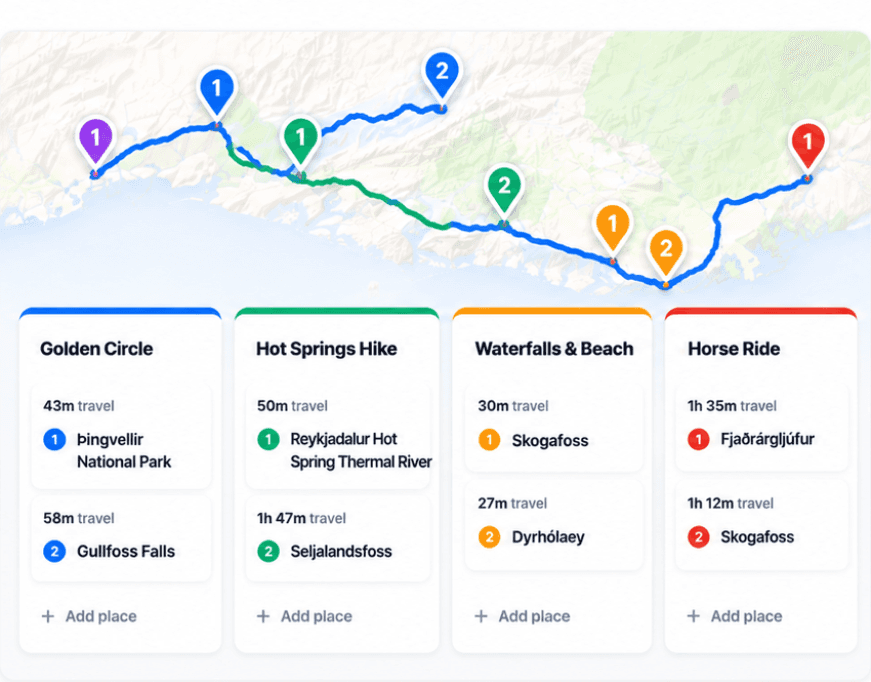
For a shared day-by-day route and actual trip costs, start with Huvver or Wanderlog. Lambus is a strong all-in-one group hub for bookings and documents. Choose TripIt when confirmations are central, Roadtrippers for a driving-first route, Mindtrip for conversational discovery, and Splitwise when expenses are the only problem to solve.
At a glance
| Tool | Best for | Check before choosing |
|---|---|---|
| Huvver | A shared route, days, overnight bases, and costs | Annual owner plan; no native Android app [1] |
| Wanderlog | A broad free starting point across devices | Route optimization and offline downloads require Pro [2] |
| Lambus | A shared trip hub with bookings, documents, and costs | Offline trip access is a Pro feature [11] |
| TripIt | Gathering booking confirmations | Flight alerts require Pro [6] |
| Roadtrippers | Driving routes and detours | Collaboration requires Pro or Premium; offline maps require Premium [10] |
| Mindtrip | Discovering ideas through conversation | Verify AI suggestions against live sources [8] |
| Splitwise | Dedicated expense settlement | Does not arrange daily stops or routes [9] |
What we compared
This is an editorial comparison based on published product information, not a laboratory ranking or a claim that we tested every app on the same trip. We looked for four things that commonly break group plans: who may edit, how days and travel legs are represented, whether expenses can be assigned and settled, and what is available away from a connection. Features and paid tiers can change; check each vendor before committing a group.
Huvver publishes this guide. We have a commercial interest in your choosing it. We include competitors that solve some jobs better, and we link to their own descriptions so you can check the tradeoffs.
The short list, by job
Huvver is the fit when several people need to edit an ordered itinerary beside a live route map, keep overnight stays explicit, and record shared costs in the same trip. The owner needs an annual subscription; invited editors and viewers can join free. It is web and iPhone only, so a group that requires a native Android app should consider another option.[1][13][14][15]
Wanderlog is a strong free starting point. It combines collaborative itinerary editing, discovery, bookings, maps, expenses, and packing lists across web, iPhone, and Android. Its route optimization and offline trip download are Pro features. If the group is still collecting ideas or includes Android users, that breadth matters.[2][3][4]
Lambus deserves a close look for groups that want trip stops, forwarded booking confirmations, documents, photos, expenses, and conversation in one hub. It supports web, iPhone, and Android; its Pro tier includes offline access. If the group’s shared paperwork matters more than a focused day board and route map, Lambus may be the better fit.[11][12]
TripIt collects confirmations and supports private view or edit invitations; Pro adds flight alerts. Roadtrippers focuses on driving routes: collaboration requires Pro or Premium, and offline maps require Premium. Mindtrip combines AI-assisted ideas with shared itinerary editing. Splitwise is a dedicated expense ledger for tracking balances and repayments.[5][6][8][9][10]
Check how your group will use it
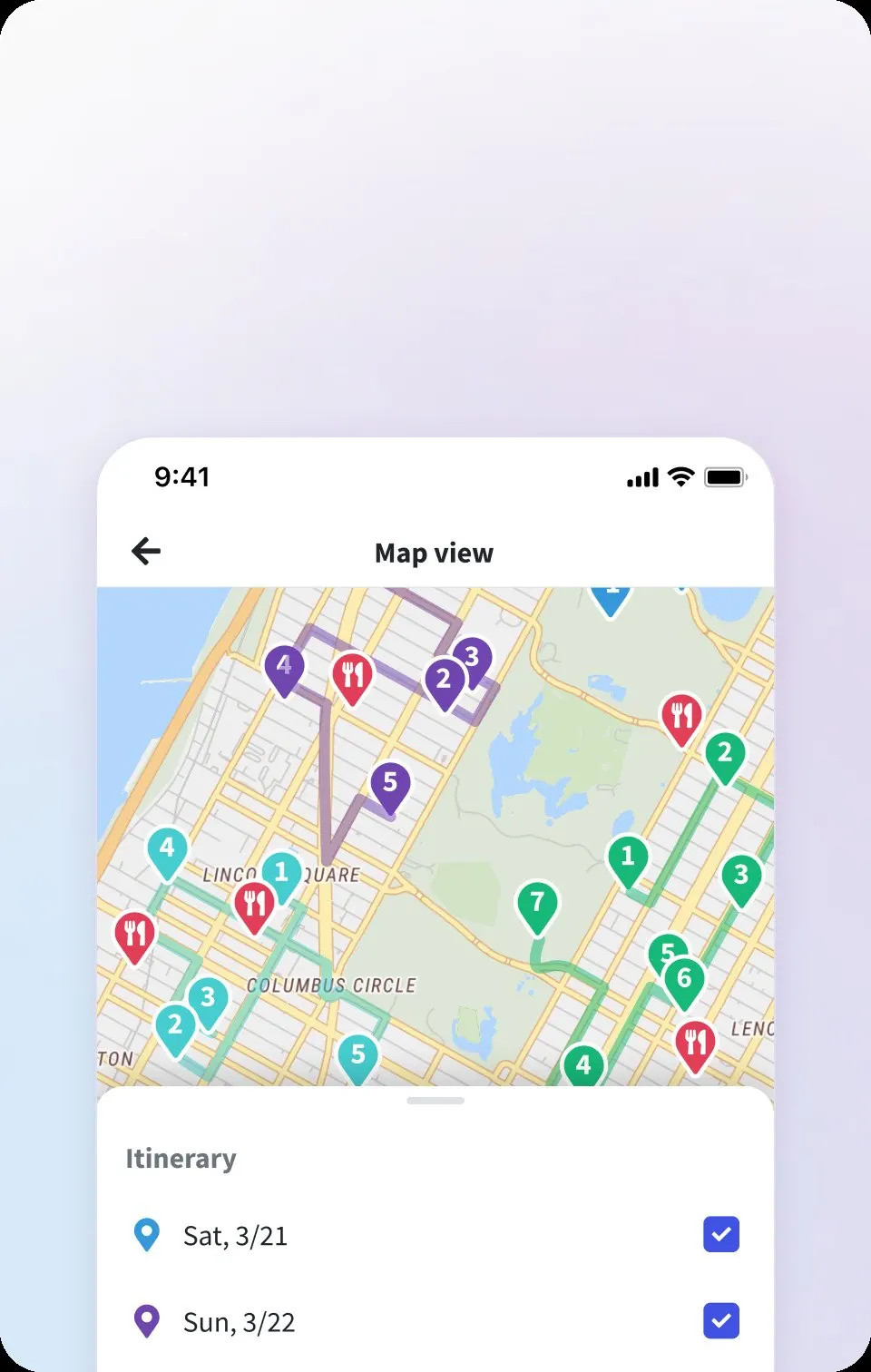
Start with documentation and free previews, then use a free tier or an existing subscription to try the parts that matter. Check whether one person can update a day while others view it, whether moving a stop changes the route, and whether the ledger handles a meal paid by one person for three travelers. For Huvver, public guides preview the board; creating an editable trip requires an owner subscription.[1][13]
Do not let a polished home screen decide for you. If your group mostly needs flight and hotel details, TripIt may win. If you are collecting places and want a free cross-platform start, Wanderlog may win. If one driver is designing a long road trip, Roadtrippers may win. The best choice is the one that removes your actual coordination work.
Explore a real trip
See day-by-day routes with maps, notes, and editable Huvver templates.
Sources and review notes
Outside product details are linked to first-party pages. Advice and recommendations are Huvver’s editorial judgment; this article does not imply hands-on testing unless it says so.
- [1]Huvver pricing and included features
- [2]Wanderlog product overview
- [3]Wanderlog route optimization
- [4]Wanderlog offline trip access
- [5]TripIt sharing permissions
- [6]TripIt free and Pro features
- [7]Roadtrippers mobile planning and offline maps
- [8]Mindtrip traveler FAQ
- [9]Splitwise group expenses
- [10]Roadtrippers current membership features
- [11]Lambus Pro features
- [12]Lambus group planning
- [13]Huvver help: planning
- [14]Huvver help: costs
- [15]Huvver help: devices